

/hr/time-clock.
Overview
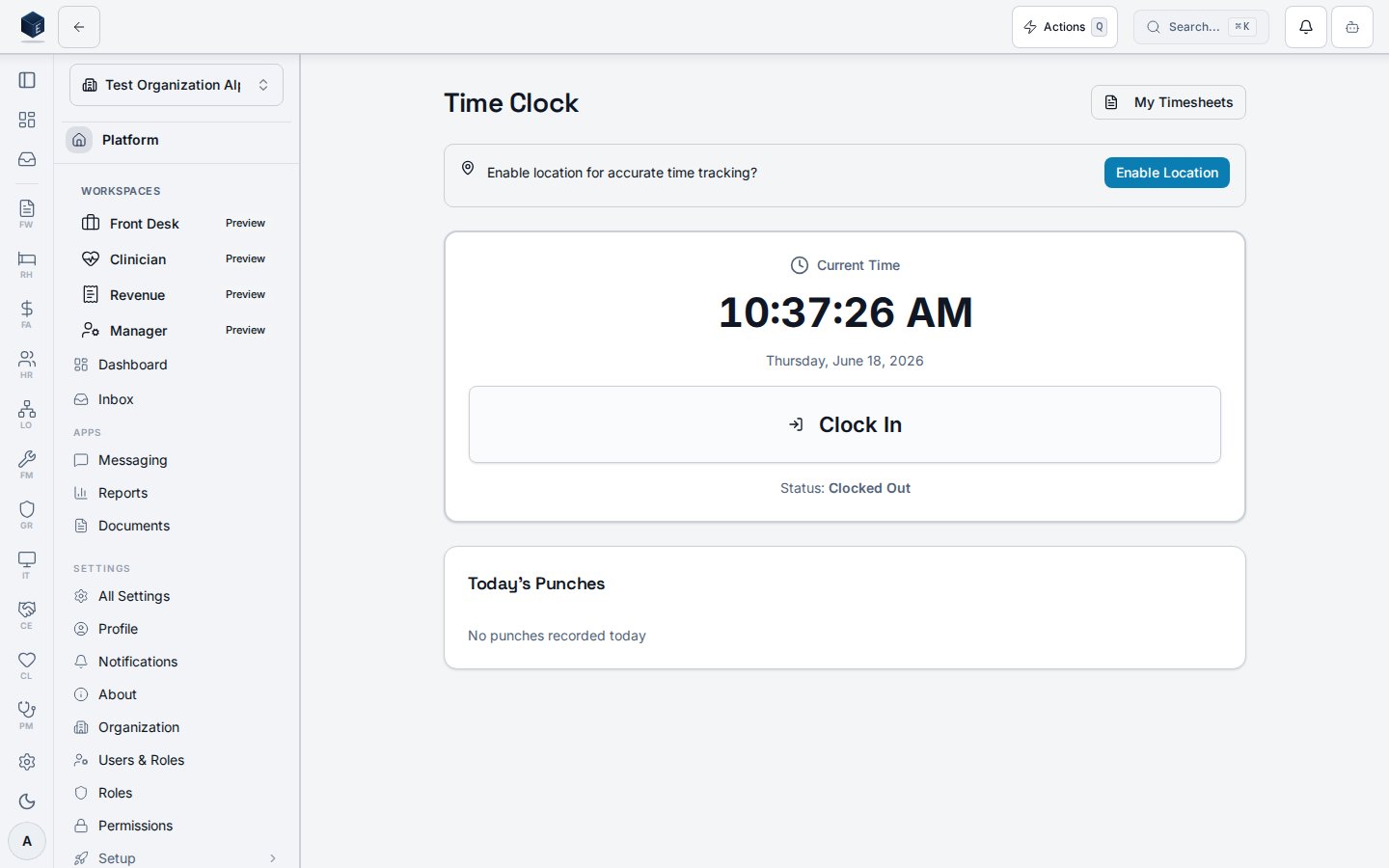
The page usesuseCurrentPunchStatus to determine if the employee is clocked in and their last punch type. useTimePunch provides startBreak and endBreak mutations. GeolocationPrompt optionally captures the current location. ClockButton handles clock-in/out. RecentPunches shows a list of recent punch records. A link to /hr/my-timesheets is provided.
HR_PERMISSIONS.TIME_CLOCK_VIEW (hr.time-clock.view) — RequirePermission guard in hr.tsx.
Who it’s for
Permission:hr.time-clock.view — required by RequirePermission guard in hr.tsx.
Before you start
- Employees must have
hr.time-clock.viewpermission to access this page. - Location sharing is optional but may be required by organizational policy.
Steps
Clock in- Navigate to HR > Time Clock or go to
/hr/time-clock. - Allow location access if prompted (optional).
- Click Clock In via the
ClockButtoncomponent.
- From the Time Clock page while clocked in, click Clock Out.
- While clocked in, click Start Break in the Break Management card.
- Click End Break when returning from the break.
- The
RecentPunchescomponent below the clock button shows a history of recent time punches.
Key concepts
Related
Human Resources
Human Resources core overview.
Governance & parity
This page documents shipped product behavior. It is not medical, legal, or
billing advice. Verify against your organization’s policies and applicable
regulations before using it for clinical, compliance, or billing decisions.
Protected health information (PHI) shown in the product is governed by your
tenant’s access controls and is never exposed in this documentation.
Documentation sources
Documentation sources
- src/routes/hr.tsx
- src/cores/hr/pages/TimeClock.tsx
- src/cores/hr/hooks/time/useCurrentPunchStatus.ts
- src/cores/hr/hooks/time/useTimePunch.ts