

/settings/setup and renders OrganizationSetupWizardPage from src/platform/setup/components/OrganizationSetupWizardPage.tsx. The route has no RequirePermission wrapper; internal steps use RequirePermission for certain actions.
Overview
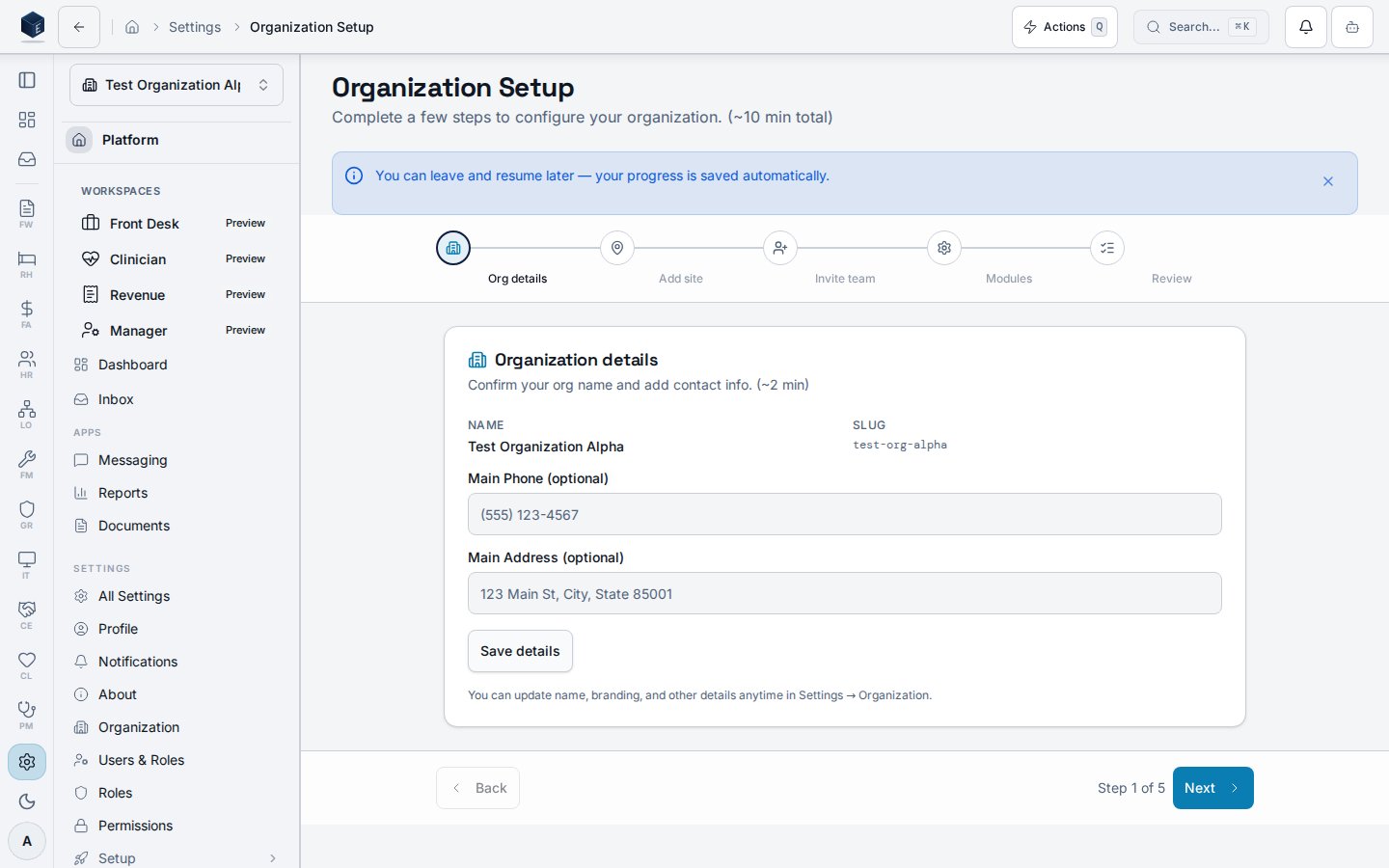
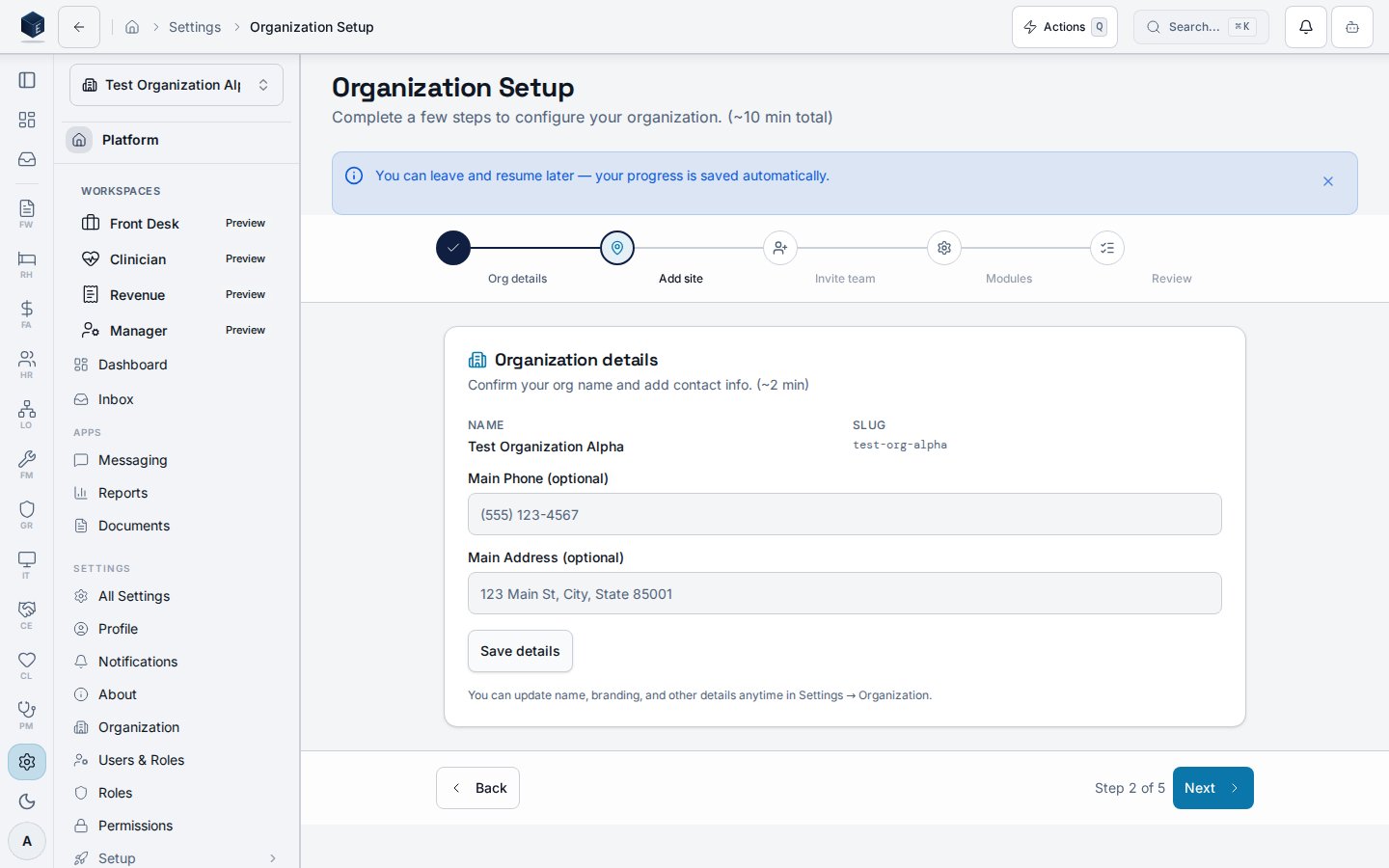
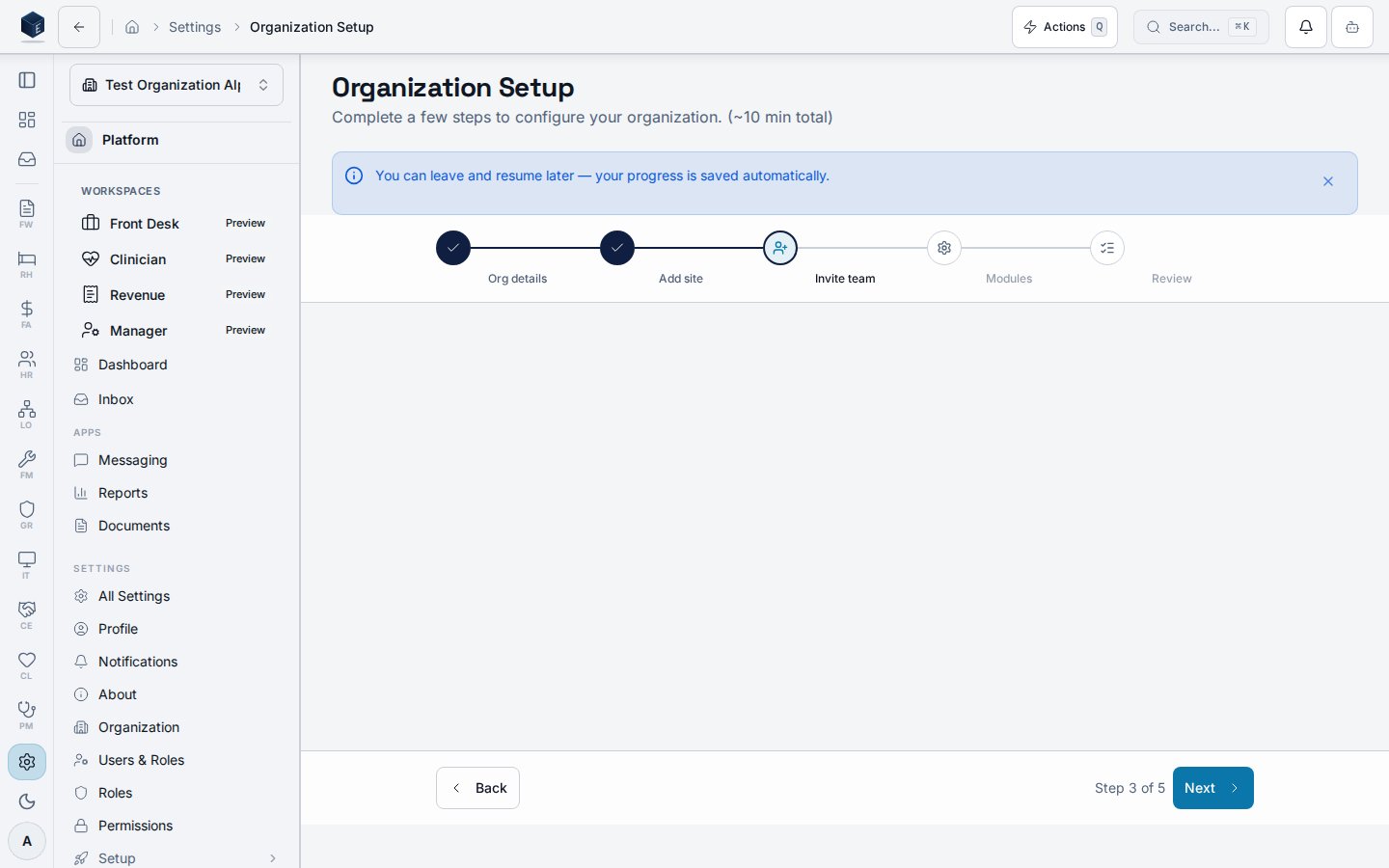
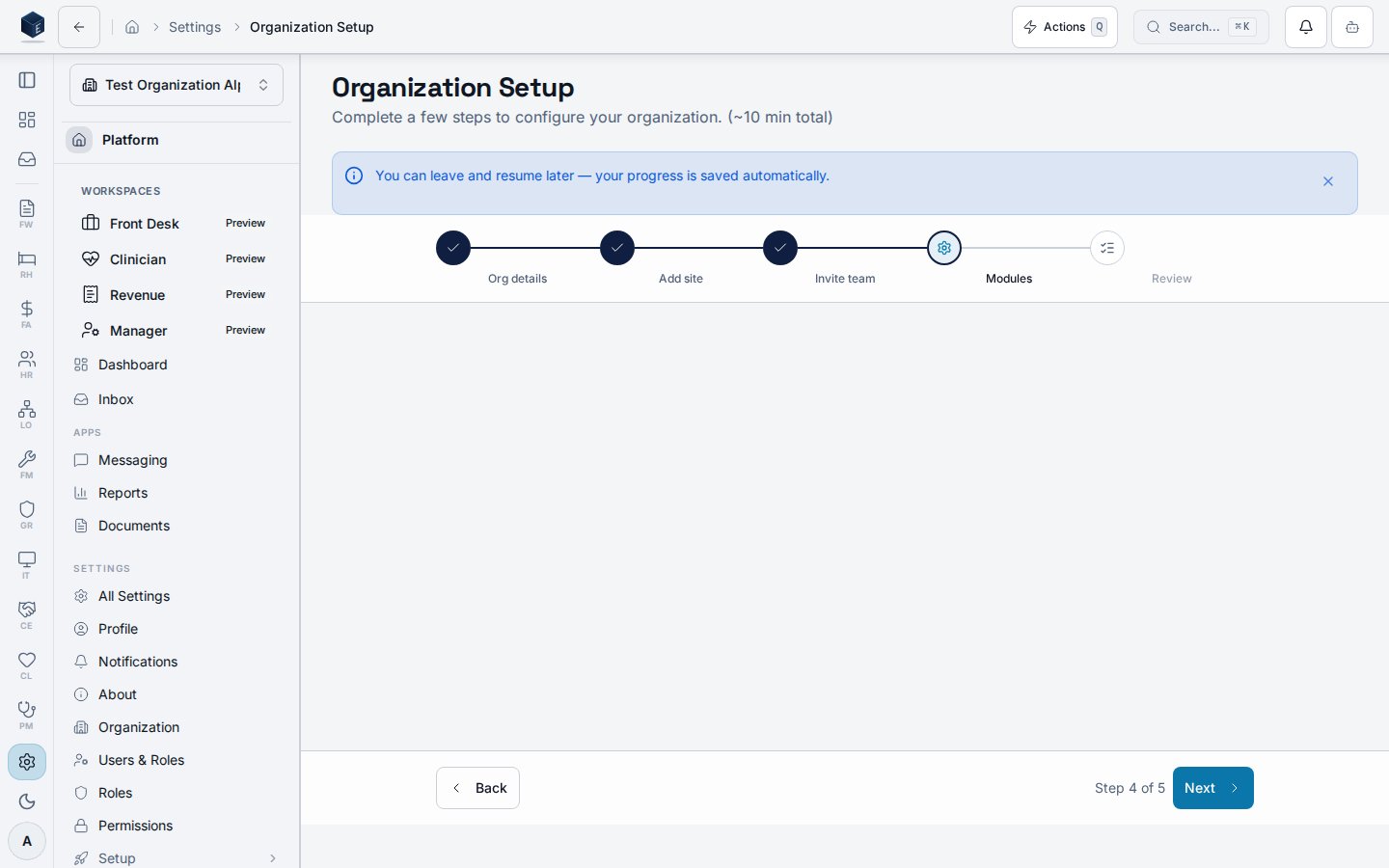
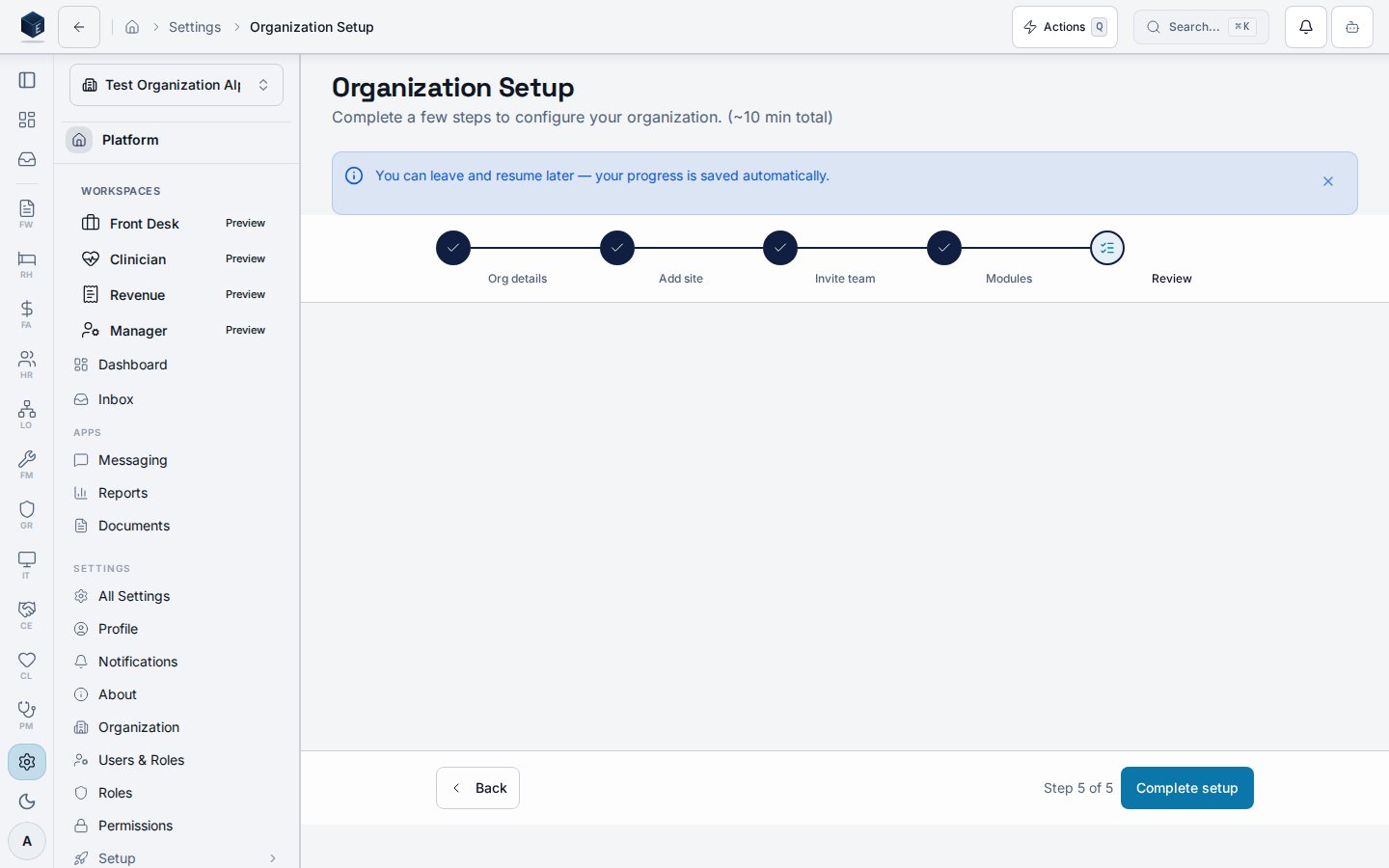
The Organization Setup Wizard guides new administrators through 5 steps usingWizardShell. Draft progress is persisted in localStorage (org-scoped) via saveOrganizationSetupDraft() / loadOrganizationSetupDraft(). Completion is stored server-side in pf_module_settings. Steps:
- Org Details — Update the organization name and add address/phone.
- First Site — Create the primary physical site/location.
- Invite Team — Send up to 3 email invitations to team members.
- Module Selection — Enable or disable platform modules from
MODULE_REGISTRY(excludes meta-modules: reports, documents, settings). Default enabled modules come fromDEFAULT_ENABLED_MODULES. - Review & Done — Summary view with a link to the dashboard.
Who it’s for
Access follows your organization’s role and module configuration. Internal steps may checkRequirePermission for specific actions.
Before you start
- You must be signed in as an organization administrator.
Steps
- Navigate to
/settings/setupor follow the first-run prompt. - Complete Org Details: enter your organization name, address, and phone.
- Complete First Site: enter the name and address of your primary location.
- Complete Invite Team: enter up to 3 email addresses for teammates.
- Complete Module Selection: enable the modules your organization needs.
- Review the summary and select Go to Dashboard to finish.
Key concepts
Draft persistence — Progress is saved to localStorage on each step so you can close and resume without losing entries. Module registry — Available modules are drawn fromMODULE_REGISTRY. Display names and metadata come from MODULE_DISPLAY_INFO.
Related
Platform Foundation
Platform Foundation overview.
Governance & parity
This page documents shipped product behavior. It is not medical, legal, or
billing advice. Verify against your organization’s policies and applicable
regulations before using it for clinical, compliance, or billing decisions.
Protected health information (PHI) shown in the product is governed by your
tenant’s access controls and is never exposed in this documentation.
Documentation sources
Documentation sources
- src/routes/platform.tsx
- src/platform/setup/components/OrganizationSetupWizardPage.tsx
- src/platform/setup/hooks/organizationSetupUtils.ts