

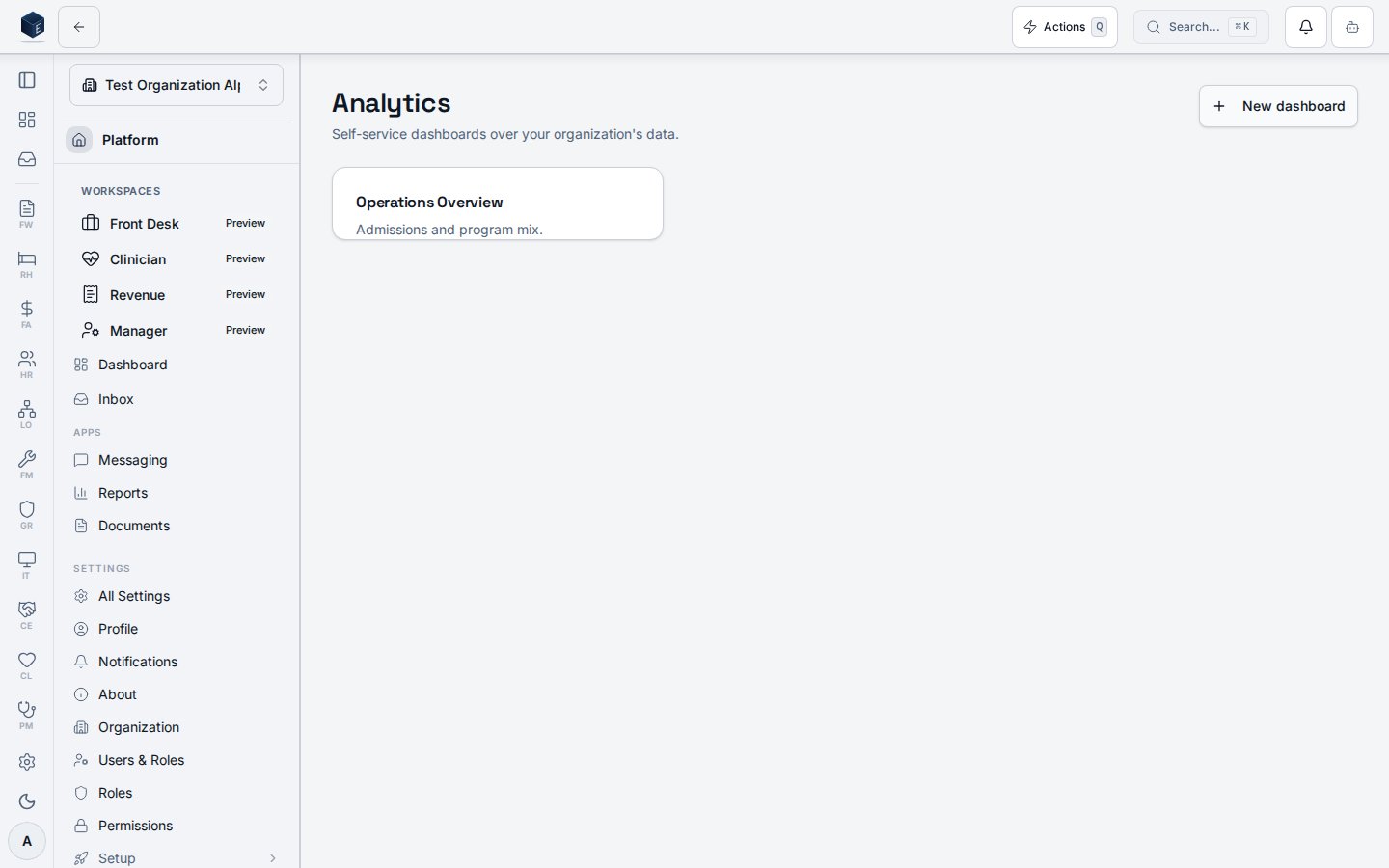
Dashboard library
The library at/analytics (permission pf.analytics.view) lists your organization’s saved and org-shared dashboards. An illustrated empty state links straight into the builder when no dashboards exist yet.
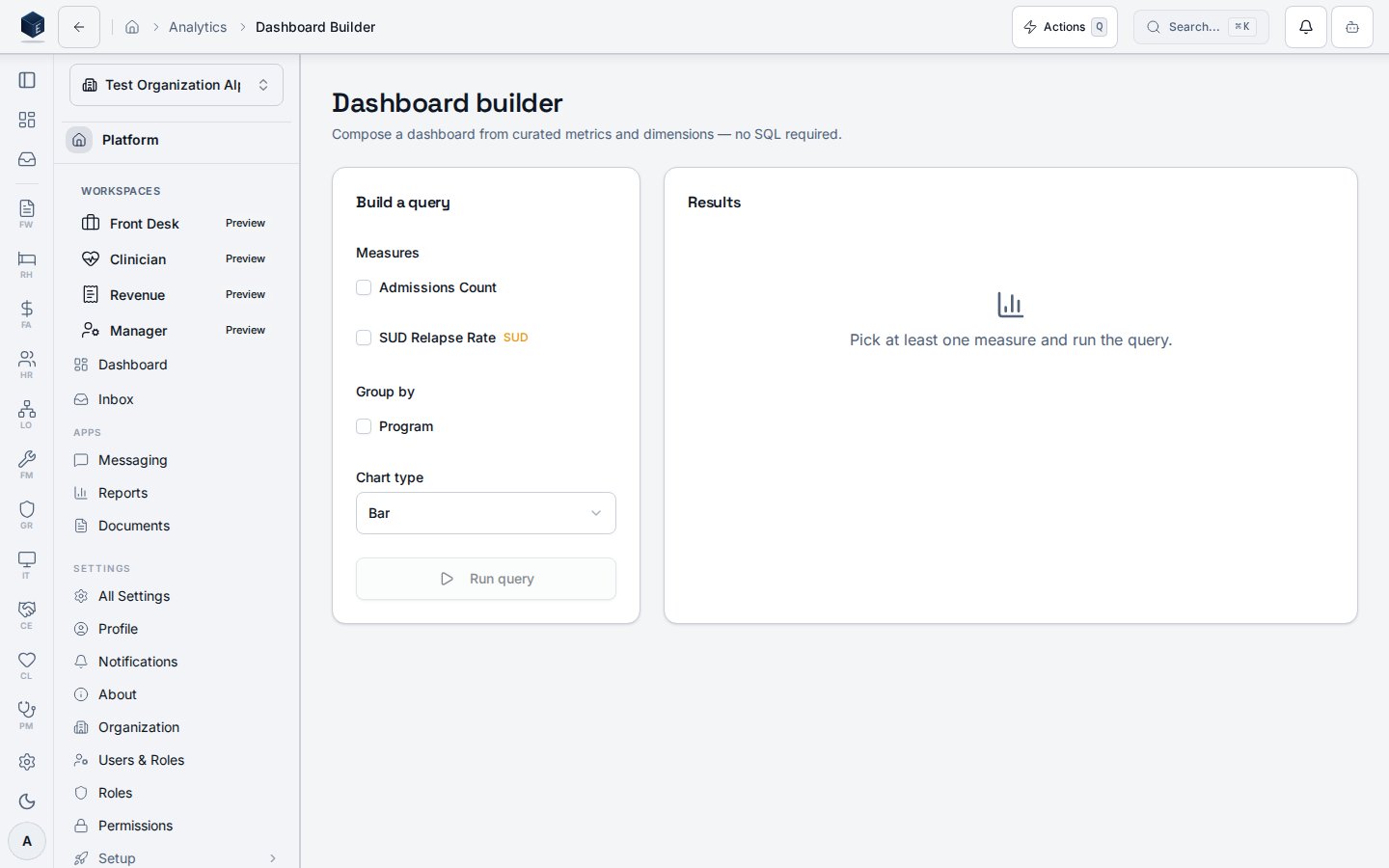
No-SQL builder
The builder at/analytics/builder (permission pf.analytics.create) composes a dashboard from curated measures and a group-by dimension, then runs the query through a server-side mediation RPC. Only metric, dimension, and filter keys present in the semantic registry allowlist are accepted — there is no SQL editor anywhere in the surface. SUD-derived measures carry a visible flag.
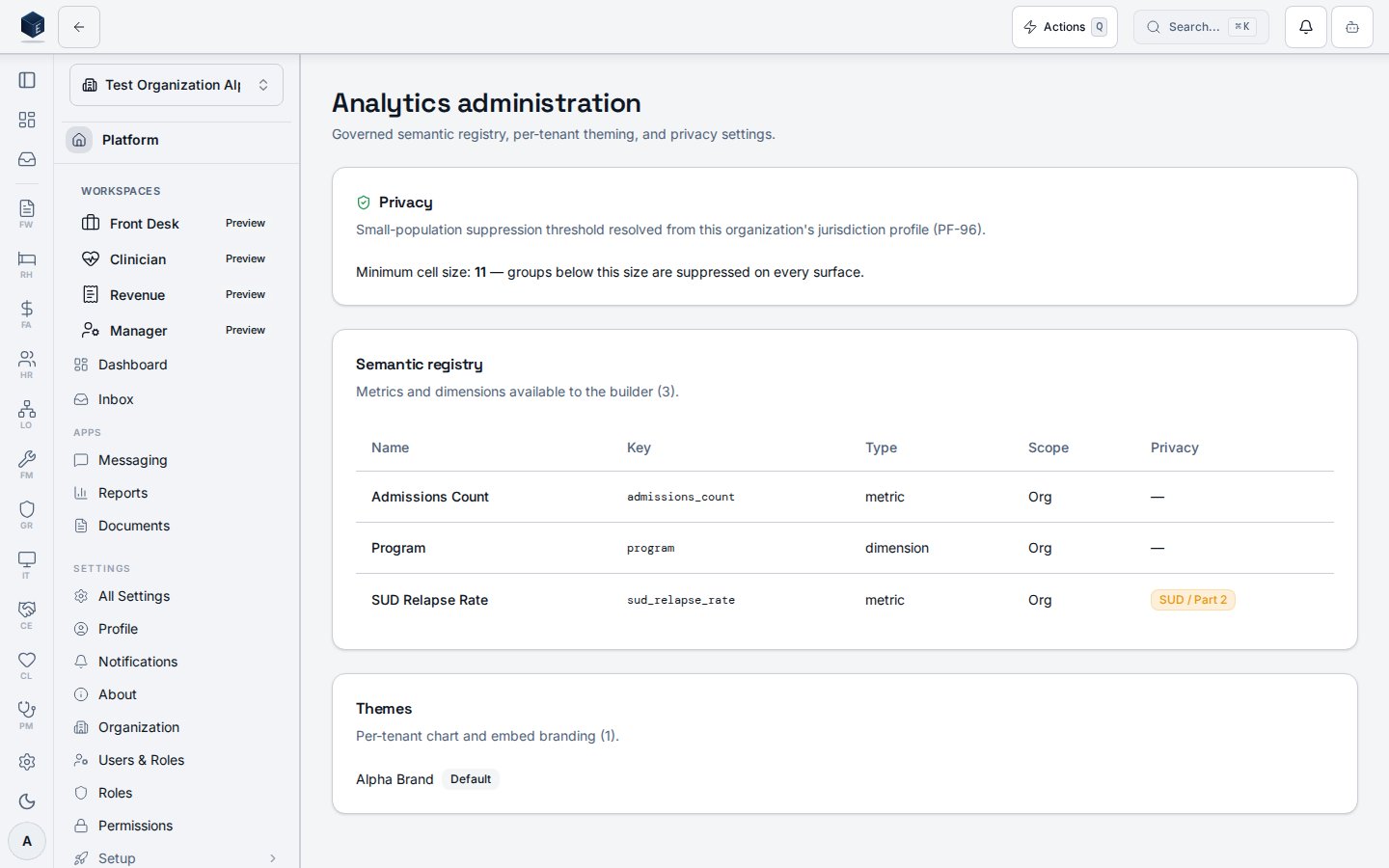
Administration
The admin surface at/analytics/admin (permission pf.analytics.admin) is a read-oriented overview of the governed registry, per-tenant theming, and privacy settings:
- Privacy — the minimum cell size used for small-population suppression is resolved from the organization’s jurisdiction profile (PF-96), not hardcoded. Groups below this size are suppressed on every surface.
- Semantic registry — the metrics and dimensions available to the builder, with scope (global vs. org) and a SUD / Part 2 badge on any metric derived from 42 CFR Part 2 data.
- Themes — per-tenant chart and embed branding.
Privacy & compliance
- Tenant isolation holds on every path (interactive, export, drill-through, scheduled, embed): the organization is resolved from the authenticated session and any client-supplied organization identifier is ignored.
- Small-population suppression hides below-threshold group values and applies complementary (secondary) suppression so a suppressed value cannot be recovered by differencing against visible totals.
- SUD / 42 CFR Part 2 metrics are blocked from external embed unless per-organization consent and configuration permit it.
- Audit — every analytics query records the user, organization, surface, embed token (if any), semantic-spec hash, row count, latency, and status.