

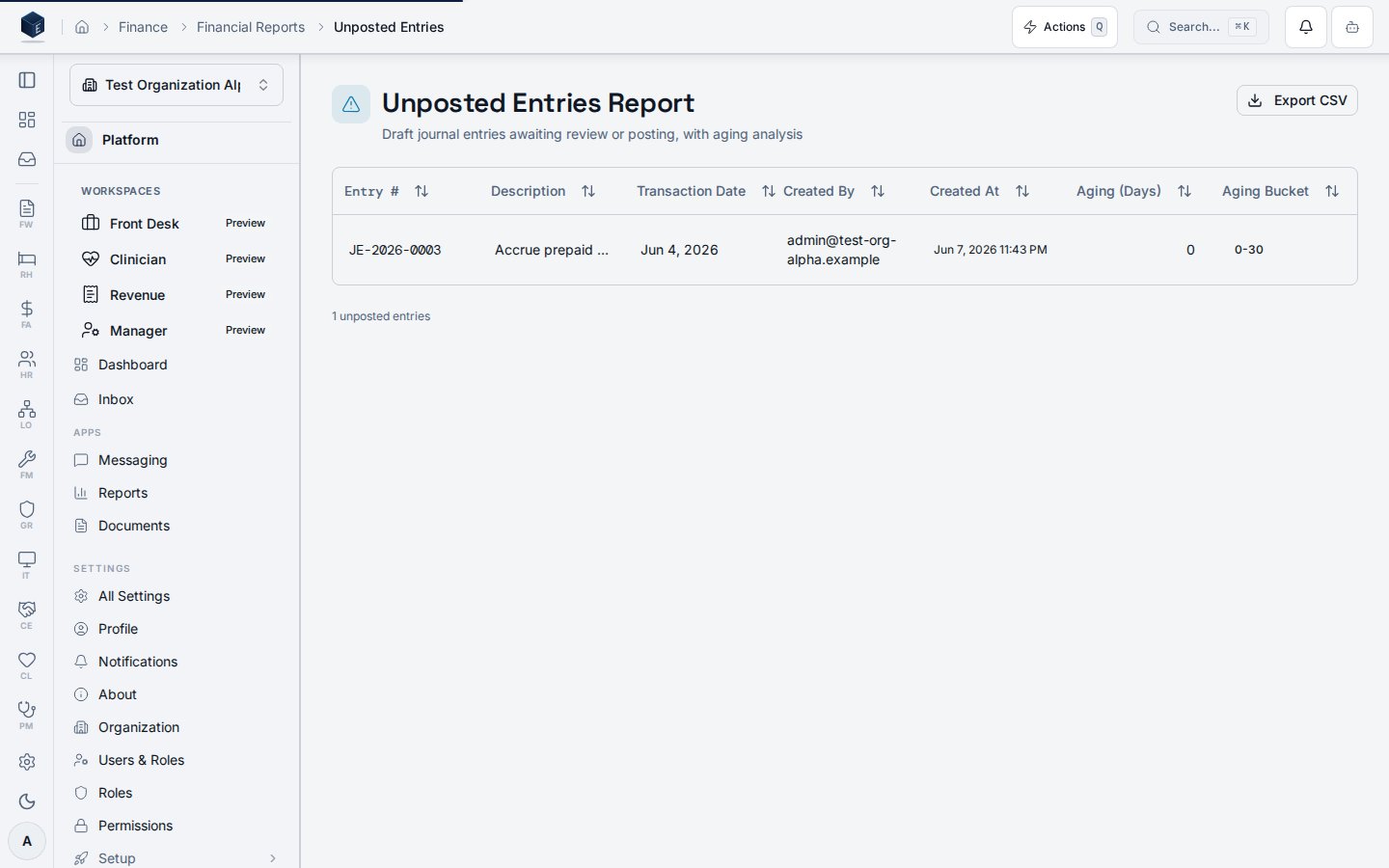
/fa/reports/unposted-entries) displays draft journal entries organized with aging buckets and provides CSV export.
Overview
The Unposted Entries page loads data viauseUnpostedEntriesReport (keyed by organizationId) and renders it in a DataTable. Aging buckets observed in code: 0-30, 31-60, 61-90, 90+ days, rendered with badge variants (secondary, outline, default, destructive).
A CSV export action is available for users with FA_PERMISSIONS.AUDIT_EXPORT. The export uses exportAgingReportCsv.
The route requires fa.audit.view permission.
Who it’s for
Requires permission:fa.audit.view.
To export: FA_PERMISSIONS.AUDIT_EXPORT (also within fa.audit.*).
Before you start
- Draft journal entries must exist for meaningful data.
- You need
fa.audit.viewto access this page.
Steps
View unposted entries- Navigate to
/fa/reports/unposted-entries. - Review the entries table with aging bucket badges.
- Click the Export button (requires
FA_PERMISSIONS.AUDIT_EXPORT). - The CSV downloads via
exportAgingReportCsv.
Key concepts
- Aging bucket: Categorization of unposted entries by age in days:
0-30,31-60,61-90,90+. - Unposted entry: A draft journal entry row returned by
useUnpostedEntriesReport.
Related
Finance & Revenue
Finance & Revenue core overview.
Governance & parity
This page documents shipped product behavior. It is not medical, legal, or
billing advice. Verify against your organization’s policies and applicable
regulations before using it for clinical, compliance, or billing decisions.
Protected health information (PHI) shown in the product is governed by your
tenant’s access controls and is never exposed in this documentation.
Documentation sources
Documentation sources
- src/routes/fa.tsx
- src/cores/fa/pages/UnpostedEntriesReportPage.tsx
- src/cores/fa/hooks/useUnpostedEntriesReport.ts
- src/cores/fa/utils/auditExportCsv.ts