

/fa/settings/expense-policies.
Overview
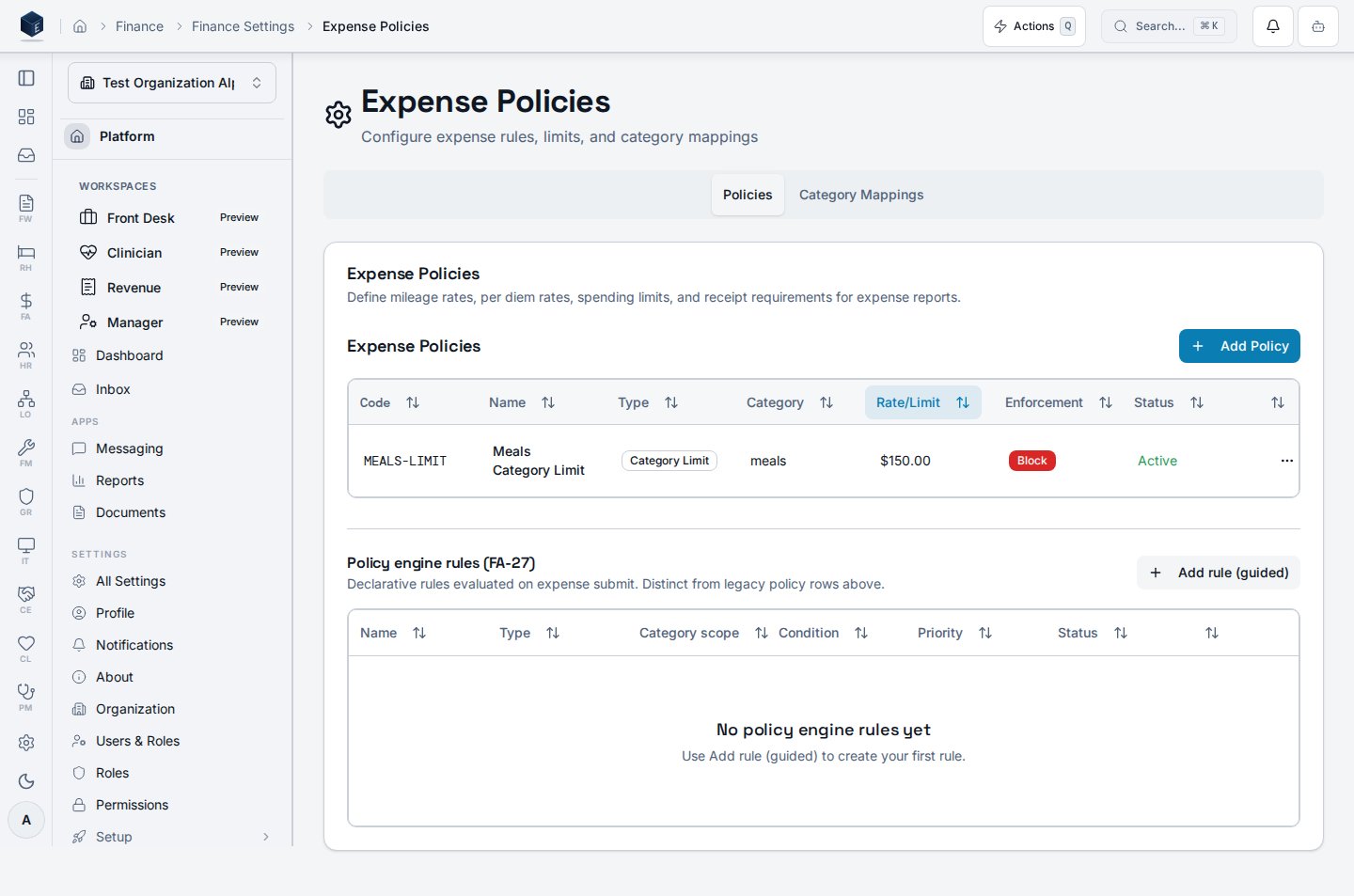
The Expense Policies page is accessible at/fa/settings/expense-policies and requires permission fa.expenses.admin (route level) and fa.expense_policies.view (component level). The component (ExpensePoliciesPage) renders a two-tab interface via ScrollableTabsList:
- Policies tab: renders
ExpensePolicyTable(listing configured policies) andExpensePolicyEngineRulesSection(rule engine configuration). - Mappings tab: renders
CategoryMappingTable(GL category-to-account mappings).
Who it’s for
Requires permissionfa.expenses.admin (route guard) and fa.expense_policies.view (component guard).
Before you start
- You must have
fa.expenses.adminpermission. - Review existing policies and mappings before making changes to avoid disrupting active expense reports.
Steps
- Navigate to Finance → Settings → Expense Policies (
/fa/settings/expense-policies). - On the Policies tab:
- Review existing policies in
ExpensePolicyTable. - Configure rule engine settings in
ExpensePolicyEngineRulesSection.
- Review existing policies in
- On the Mappings tab:
- Review and update GL category-to-account mappings in
CategoryMappingTable.
- Review and update GL category-to-account mappings in
- Save changes as prompted by each section.
Key concepts
Related
Finance & Revenue
Finance & Revenue core overview.
Governance & parity
This page documents shipped product behavior. It is not medical, legal, or
billing advice. Verify against your organization’s policies and applicable
regulations before using it for clinical, compliance, or billing decisions.
Protected health information (PHI) shown in the product is governed by your
tenant’s access controls and is never exposed in this documentation.
Documentation sources
Documentation sources
- src/routes/fa.tsx
- src/cores/fa/pages/ExpensePoliciesPage.tsx