Documentation Index

Fetch the complete documentation index at: https://docs.encoreos.io/llms.txt

Use this file to discover all available pages before exploring further.

This page is the entry point for the Practice Management core, accessible at the route /pm/overview.

Overview

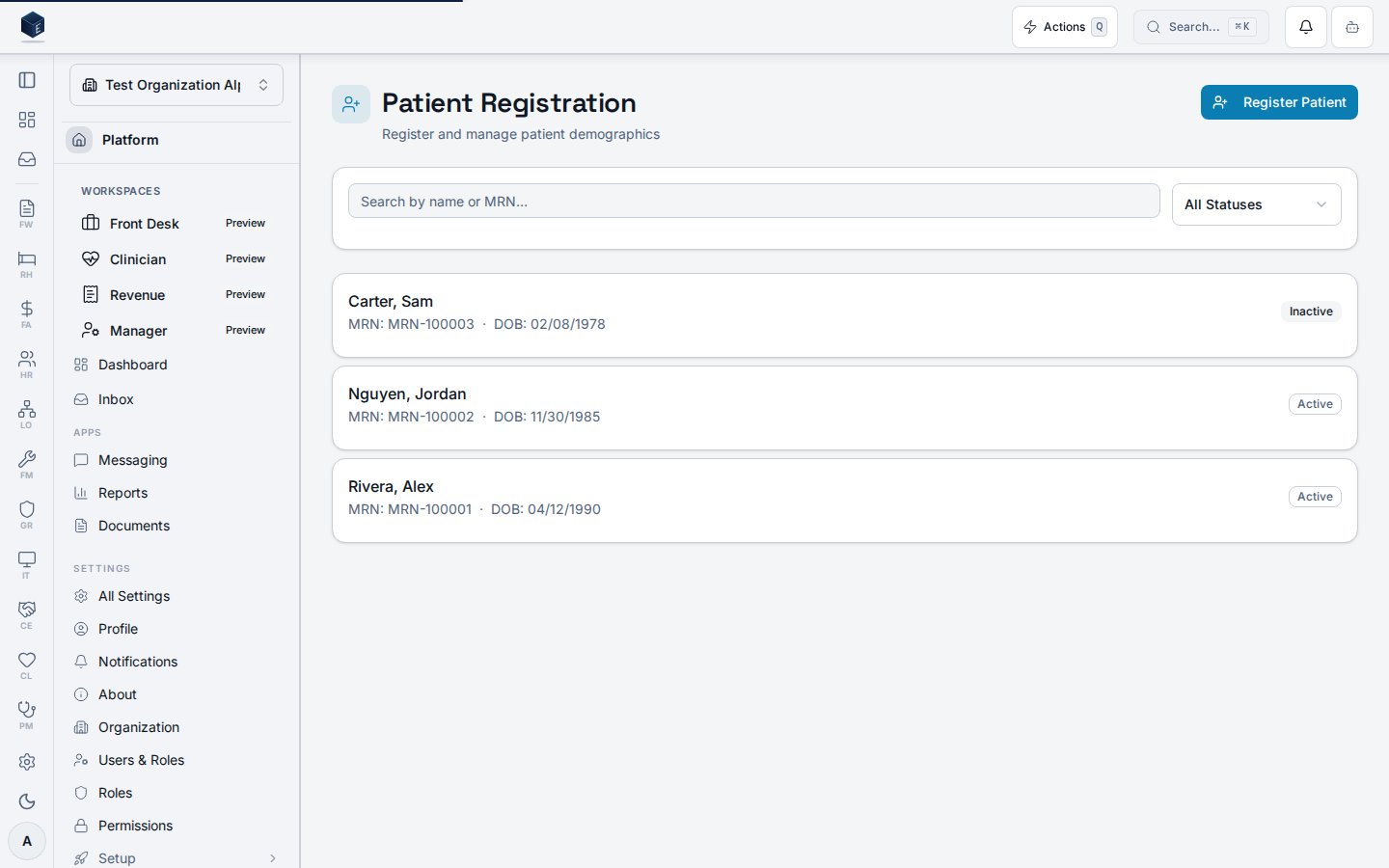
The Practice Management Overview page serves as the module landing page. It renders four stat cards at the top — Patients Registered (active patients from pm_patients), Active Payers (active payers from pm_payers), Today’s Appointments (appointments for the current calendar day from pm_appointments), and A/R Days Outstanding (currently hardcoded to 0). Clicking each stat card navigates to the corresponding sub-route. Below the stats, six area navigation cards provide shortcuts to Patient Registration (/pm/patients), Scheduling (/pm/scheduling), Billing & Claims (/pm/claims), Revenue Cycle (/pm/revenue), Prior Authorizations (/pm/authorizations), and Patient Portal (/portal). A configurable QuickActionsSection appears above the stats bar.

Who it’s for

No explicit permission gate on this route. The /pm/overview route is rendered inside Suspense without a RequirePermission wrapper in src/routes/pm.tsx. Individual stat cards and area navigation cards link to sub-routes that each enforce their own permissions.

Before you start

  • No special permission is required to view the overview page itself.
  • Stat data is loaded per-organization; ensure your account is associated with an active organization.

Steps

1

Open Practice Management

Navigate to /pm or /pm/overview. The page loads immediately with stat cards and area navigation.
2

Review key stats

The stats bar shows Patients Registered, Active Payers, Today’s Appointments, and A/R Days Outstanding. Each card shows a loading skeleton while data fetches.
3

Navigate to a work area

Click any stat card or area navigation card to go directly to that module section. The area navigation cards also show inline metrics where available (e.g., Today’s Appointments count).
4

Use Quick Actions

The Quick Actions section (above the stats bar) provides configurable shortcuts. It supports both global and module-scoped actions and is editable per user.

Key concepts

  • Patients Registered: usePatientList({ status: 'active' }) — queries pm_patients filtered to active, org-scoped.
  • Active Payers: usePayerList({ is_active: true }) — queries pm_payers filtered to active, org-scoped.
  • Today’s Appointments: useAppointmentList({ start, end }) — queries pm_appointments for today’s calendar date, org-scoped.
  • A/R Days Outstanding: hardcoded to 0 in current code; no live data source connected.
Patient Registration, Billing & Claims, Revenue Cycle, Prior Authorizations, and Patient Portal all show “Coming Soon” as their metric value — these are placeholder cards with navigation enabled but no live metric feed yet.

Practice Management

Overview of the Practice Management core.

Governance & parity

Documentation coverage and governance.
This page documents shipped product behavior. It is not medical, legal, or billing advice. Verify against your organization’s policies and applicable regulations before using it for clinical, compliance, or billing decisions. Protected health information (PHI) shown in the product is governed by your tenant’s access controls and is never exposed in this documentation.
  • src/routes/pm.tsx
  • src/cores/pm/pages/PMOverview.tsx
  • src/cores/pm/hooks/usePatientList.ts
  • src/cores/pm/hooks/usePayerList.ts
  • src/cores/pm/hooks/useAppointmentList.ts