

Overview
The Governance & Compliance (GR) module provides organizational governance, policy management, training & CEU tracking, compliance monitoring, and audit management capabilities for recovery housing organizations.How governance flows
Regulatory requirements drive compliance monitoring; gaps surface findings in audits, which generate corrective actions tracked to closure. Policies and training set expectations and evidence, while risk and quality improvement run as continuous-improvement loops feeding back into requirements.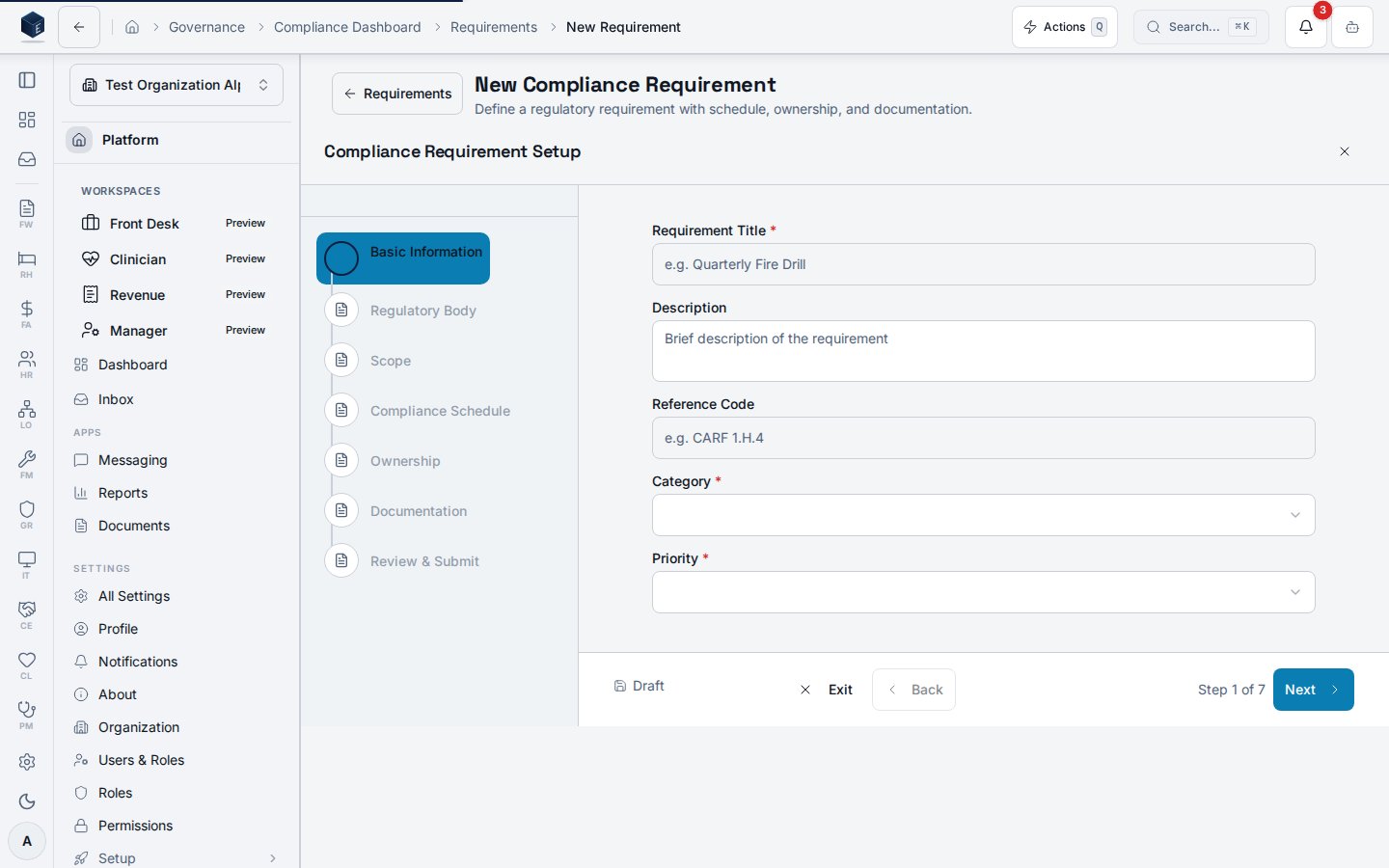
Explore GR
Policies
Policy lifecycle, acknowledgments, and reviews.
Training & CEU
Courses, enrollments, and CEU transcripts.
Compliance
Requirements, evidence, and remediation.
Audits
Audit tracking, findings, and corrective actions.
Risk
Risk register, assessments, and mitigations.
Quality improvement
QI projects, PDSA cycles, and metrics.
Features
User Guides
For All Staff
- Policy User Guide - View policies and complete acknowledgments
- Training User Guide - Complete training and track CEU credits
- Compliance User Guide - View compliance status and requirements
- Audit User Guide - Understand audits and manage assigned corrective actions
- Risk User Guide - Understand risks and manage assigned mitigations
- AI Compliance Advisor User Guide - Use AI for compliance assistance
- QI User Guide - View and complete QI improvements
- Accreditation User Guide - View accreditations, standards, and surveys
- Contract User Guide - View contracts and track obligations
- Procedure User Guide - View and execute procedures
For Compliance Officers & Administrators
- Policy Admin Guide - Manage policies, assignments, and compliance
- Training Admin Guide - Manage courses, enrollments, and CEU tracking
- Compliance Admin Guide - Manage requirements, checks, and remediations
- Audit Admin Guide - Plan audits, record findings, track corrective actions
- Risk Admin Guide - Manage risks, assessments, and mitigations
- AI Compliance Advisor Admin Guide - Configure and manage AI features
- QI Admin Guide - Manage QI projects, PDSA cycles, metrics
- Accreditation Admin Guide - Manage accreditations, standards, surveys
- Contract Admin Guide - Manage contracts, obligations, milestones
- Procedure Admin Guide - Create procedures, visual editor, AI generation
Technical Reference
- AI Prompts Reference - AI prompt templates and schemas
Quick Links
Policy Management
Training & CEU Management
Compliance Tracking
Audit Management
Risk Management
AI Compliance Advisor
Quality Improvement
Accreditation Management
Contract Management
Procedures Management
Settings
Getting Started
For Employees
Policy Acknowledgments
- Navigate to GR → My Acknowledgments to see pending policies
- Click on a policy to view details and download the document
- Complete the acknowledgment form before the due date
- Track your acknowledgment history on the same page
Training & CEU
- Navigate to GR → My Training to see pending training assignments
- Click on a course to view details and access materials
- Complete training requirements before the due date
- View your CEU credits at GR → CEU Transcript
Corrective Actions
- Navigate to GR → Audits → Corrective Actions
- Filter by Assigned to Me to see your tasks
- Update progress and mark complete when finished
- Attach evidence of resolution
For Compliance Officers
Policy Management
- Navigate to GR → Settings to configure reminder notifications
- Create policies at GR → Policies → New Policy
- Assign policies to employees based on role, department, or site
- Monitor compliance at GR → Acknowledgments
- Manage review cycles at GR → Reviews
Training Management
- Create training courses at GR → Training → New Course
- Configure CEU credits and expiration periods
- Enroll employees individually or in bulk
- Track completions and compliance at GR → Training
- Monitor expiring certifications on the GR Overview dashboard
Audit Management
- Create audits at GR → Audits → New Audit
- Assign audit teams and generate checklists
- Execute audits and document findings
- Create corrective actions for findings
- Track resolution at GR → Audits → Corrective Actions
- Use readiness assessment for upcoming audits
Key Concepts
Policy Status Workflow
Training Status Workflow
Audit Status Workflow
Finding Status Workflow
Corrective Action Status Workflow
Risk Status Workflow
Mitigation Status Workflow
Risk Rating Levels
Finding Severity Levels
Acknowledgment Types
- Required: Employee must acknowledge to remain compliant
- Recommended: Suggested reading, not required
- Informational: FYI only, no acknowledgment needed
Training Types
- Online: Web-based self-paced modules
- In-Person: Classroom or hands-on training
- Webinar: Live online sessions
- Self-Paced: Materials for independent study
- On-the-Job: Supervised practical training
CEU Credit Categories
- State Licensing: Credits for state license renewal
- Professional Certification: Credits for professional credentials
- Organization Required: Internal training requirements
Review Cycles
- Annual: Review every 12 months
- Biennial: Review every 24 months
- As Needed: No scheduled review
Related Documentation
Module Settings
Compliance officers can configure GR module settings at GR → Settings:Policy Settings
- Enable/disable reminder notifications
- Set default reminder days (30, 14, 7 days before due)
- Configure review cycle defaults
Training Settings
- Enable/disable training reminders
- Set expiration reminder days (90, 60, 30 days before)
- Configure default course settings
Audit Settings
- Enable/disable audit reminders
- Set upcoming audit reminder days (14, 7, 3 days before)
- Set finding due date reminder intervals
- Set corrective action reminder intervals
Risk Settings
- Enable/disable risk reminders
- Set default risk review frequency
- Set mitigation due date reminder intervals
- Configure risk rating thresholds
AI Settings
- Enable/disable AI Compliance Advisor
- AI features include: compliance chat, gap analysis, audit preparation, risk assessment
QI Settings
- Enable/disable Quality Improvement module
- Set default PDSA cycle duration
- Enable PDSA completion notifications
- Enable metric goal achievement alerts
- Configure improvement reminder intervals
Contract Settings
- Default expiration alert days (90, 60, 30)
- Renewal notice days before expiration
- Auto-generate contract numbers
- Contract number prefix
- Require contract approval
- Approval threshold amount
- Obligation reminder days
- Auto-mark obligations overdue
Need Help? Contact your system administrator or compliance officer.