

Architecture: CL is downstream — no other core may depend on it. It integrates with Practice Management through the encounter entity (
pm_encounters) for charge capture and billing, and with Platform Foundation for jurisdiction-aware assessment requirements.How clinical work flows
The patient chart is the hub: open it, document the encounter, route results and co-signs through the in-basket, then plan discharge — with the signed encounter flowing to Practice Management for billing.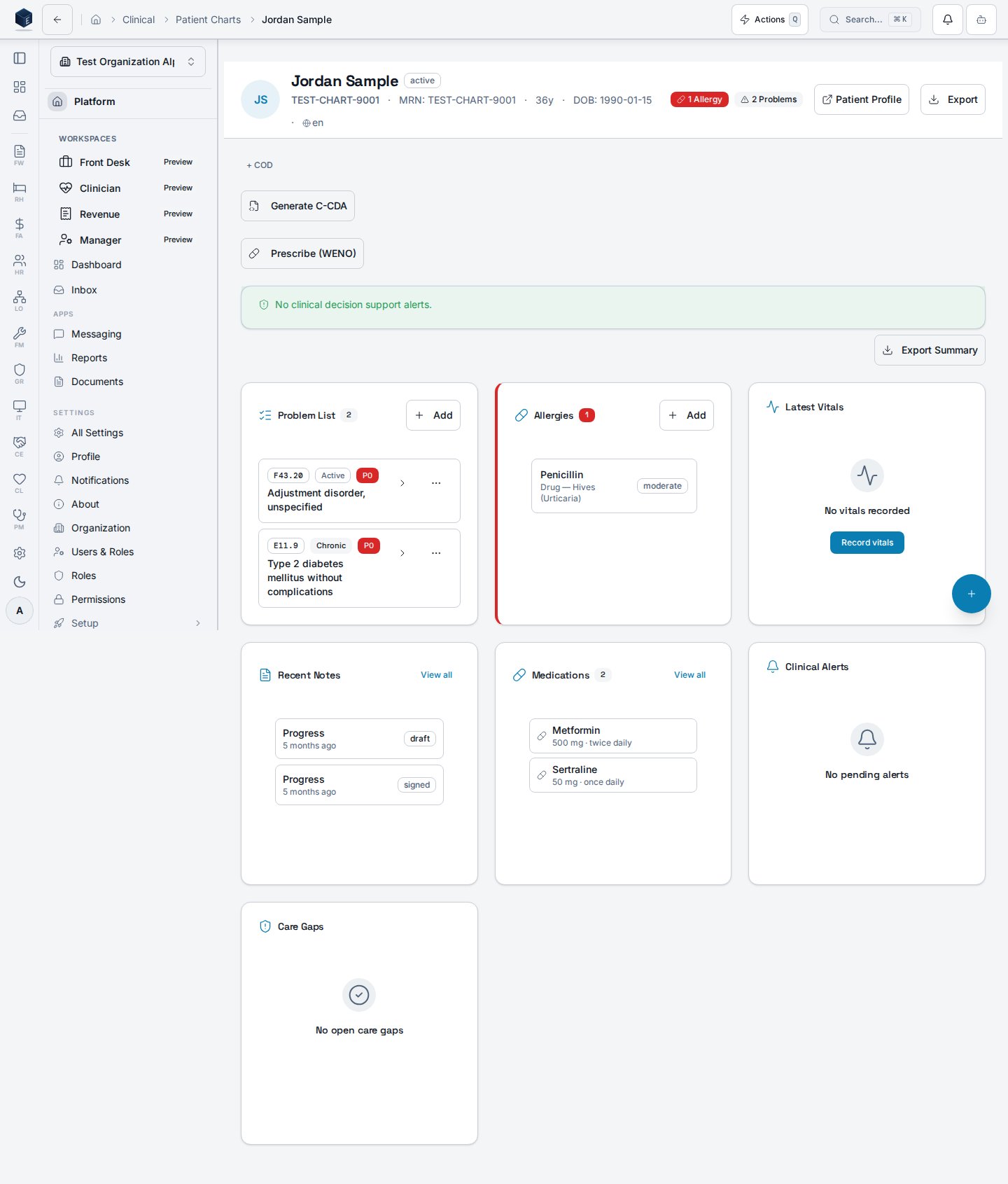
Key surfaces
Patient chart
The core clinical UI — problems, medications, allergies, encounters, and history.
Progress notes
Structured documentation with templates and co-sign workflows.
Treatment plans
Goal- and objective-driven care planning.
In-basket
Provider messaging, results routing, and co-sign queues.
Decision support
CDS rules, alerts, and quality-measure configuration.
Discharge & aftercare
Transition-of-care planning and post-discharge follow-up.
Get oriented in CL
1
Open a patient chart
Start in the patient chart — the hub for problems, medications, encounters, and results.
2
Document the encounter
Write a progress note and update the treatment plan as goals change.
3
Close the loop
Triage results and co-signs in the in-basket, then plan transitions with discharge & aftercare.
By role
- Clinician
- Administrator
- Compliance
Daily charting, ordering, in-basket triage, and treatment planning. Start with the patient chart and progress notes.
Scope at a glance
- Charting & documentation — patient chart, progress notes, treatment plans, encounter review and discharge, ambient review, C-CDA documents, multi-party encounters.
- Orders, labs & medications — order sets, MAT/MOUD enrollment, PDMP monitoring, lab results, controlled-substance inventory, reference ranges, e-prescribing.
- Care coordination — in-basket messaging, co-sign queues, panels, cohorts, pathway adherence and templates, follow-up dashboards.
- Assessments & outcomes — assessment templates, intake compliance, group and program outcomes, expiring assessments, patient-reported outcomes.
- Decision support & quality — CDS rules, concurrent review, utilization management, alert-fatigue dashboard, HEDIS / UDS / quality measures, population health.
- Consent & compliance — 42 CFR Part 2 consent management, electronic consent with redisclosure tracking, psychotherapy notes protection, DSI source attribution.
Related
PM integration
How encounters flow from clinical documentation to billing.
Specs
Source specifications for the CL core.
Compliance tracker
Regulatory crosswalk and evidence.