> ## Documentation Index
> Fetch the complete documentation index at: https://docs.encoreos.io/llms.txt
> Use this file to discover all available pages before exploring further.
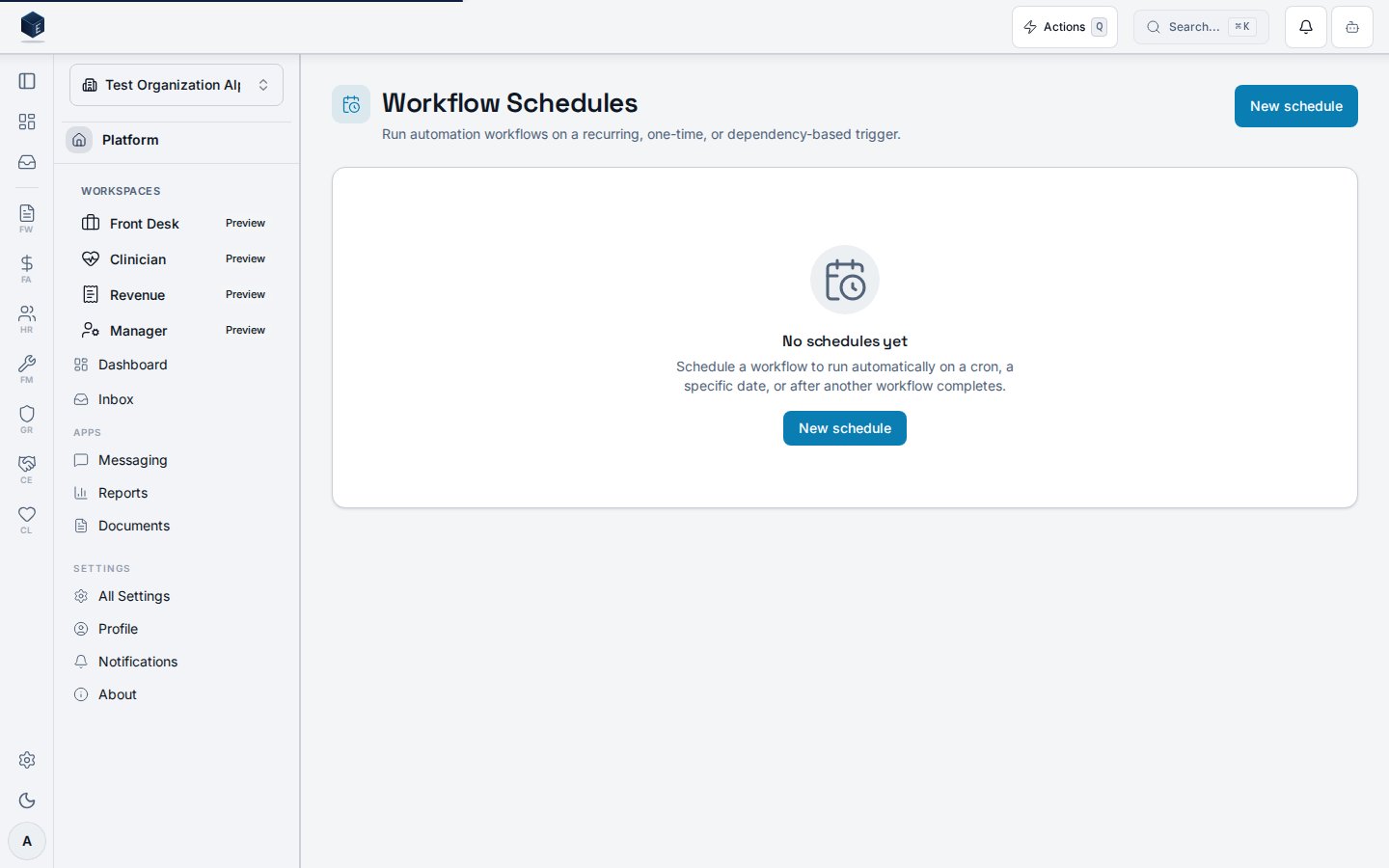
# Workflow schedules
> Run automation workflows on a recurring (cron), one-time, or dependency-based trigger — with a guided cron builder, next-run preview, and conflict detection.
## Overview
Workflow schedules let you run an automation workflow automatically — on a repeating
cron schedule, once at a specific date and time, or after another workflow finishes.
Every schedule belongs to exactly one workflow, shows its next runs before you save,
and is checked for conflicts with your other schedules.
Open **Forms & Workflow → Schedules** (`/fw/schedules`). You need the
`fw.schedules.view` permission to see the page and `fw.schedules.create` /
`fw.schedules.edit` / `fw.schedules.delete` to manage schedules.
 ## Creating a schedule
Click **New schedule** and pick the workflow to run, then choose a trigger type.
### Recurring (cron)
The guided builder turns a frequency, time, and day selection into a cron
expression — no cron syntax required. As you adjust it, the **next 5 runs** preview
updates in your chosen timezone so you can confirm the timing before saving.
## Creating a schedule
Click **New schedule** and pick the workflow to run, then choose a trigger type.
### Recurring (cron)
The guided builder turns a frequency, time, and day selection into a cron
expression — no cron syntax required. As you adjust it, the **next 5 runs** preview
updates in your chosen timezone so you can confirm the timing before saving.
 Choose **Weekly** to pick specific days of the week:
 Need an expression the builder doesn't cover (step values, specific months)? Toggle
**Advanced** to edit the raw 5-field cron directly — the live preview still validates it.
### One-time
Pick **One-time** to run the workflow once at a specific date and time. Past
date/times are rejected — a schedule can only point at the future.
Need an expression the builder doesn't cover (step values, specific months)? Toggle
**Advanced** to edit the raw 5-field cron directly — the live preview still validates it.
### One-time
Pick **One-time** to run the workflow once at a specific date and time. Past
date/times are rejected — a schedule can only point at the future.
 ### After another workflow
Pick **After another workflow** to run when a prerequisite workflow completes,
succeeds, or fails. The platform detects circular dependencies so a chain can never
deadlock.
### After another workflow
Pick **After another workflow** to run when a prerequisite workflow completes,
succeeds, or fails. The platform detects circular dependencies so a chain can never
deadlock.
 ## Conflicts
If a new run would start within a minute of an existing schedule, a non-blocking
warning appears in the form and a **Conflict** badge shows in the list. You stay in
control: pick how conflicts resolve — **Skip** the run, **Delay** and retry, or
**Error** and alert — and save anyway, or adjust the timing.
## Pausing and deleting
Toggle a schedule's **Active** switch to pause or resume it without losing its
configuration. Deleting a schedule removes its trigger; the workflow itself is
unaffected and can be rescheduled later.
## Conflicts
If a new run would start within a minute of an existing schedule, a non-blocking
warning appears in the form and a **Conflict** badge shows in the list. You stay in
control: pick how conflicts resolve — **Skip** the run, **Delay** and retry, or
**Error** and alert — and save anyway, or adjust the timing.
## Pausing and deleting
Toggle a schedule's **Active** switch to pause or resume it without losing its
configuration. Deleting a schedule removes its trigger; the workflow itself is
unaffected and can be rescheduled later.