> ## Documentation Index
> Fetch the complete documentation index at: https://docs.encoreos.io/llms.txt
> Use this file to discover all available pages before exploring further.
# UHC/Optum prior authorization
> Submit and track UHC/Optum Arizona IOP prior authorizations from a Community Engagement lead, with guided manual fallback and handoff to Practice Management.
Starting June 15, 2026, UnitedHealthcare (Optum Behavioral Health) requires prior
authorization (PA) before Intensive Outpatient Program (IOP) services are rendered to
adult Arizona Medicaid (AHCCCS) members. Encore lets admissions staff submit and track
those authorizations directly from the lead record — pre-filling the Optum AZ Standard
PA form from data already captured during intake.
Covered codes: **Mental Health IOP (`S9480`)** and **Substance Use Disorder IOP (`H0015`)**.
## Prior authorizations on the lead
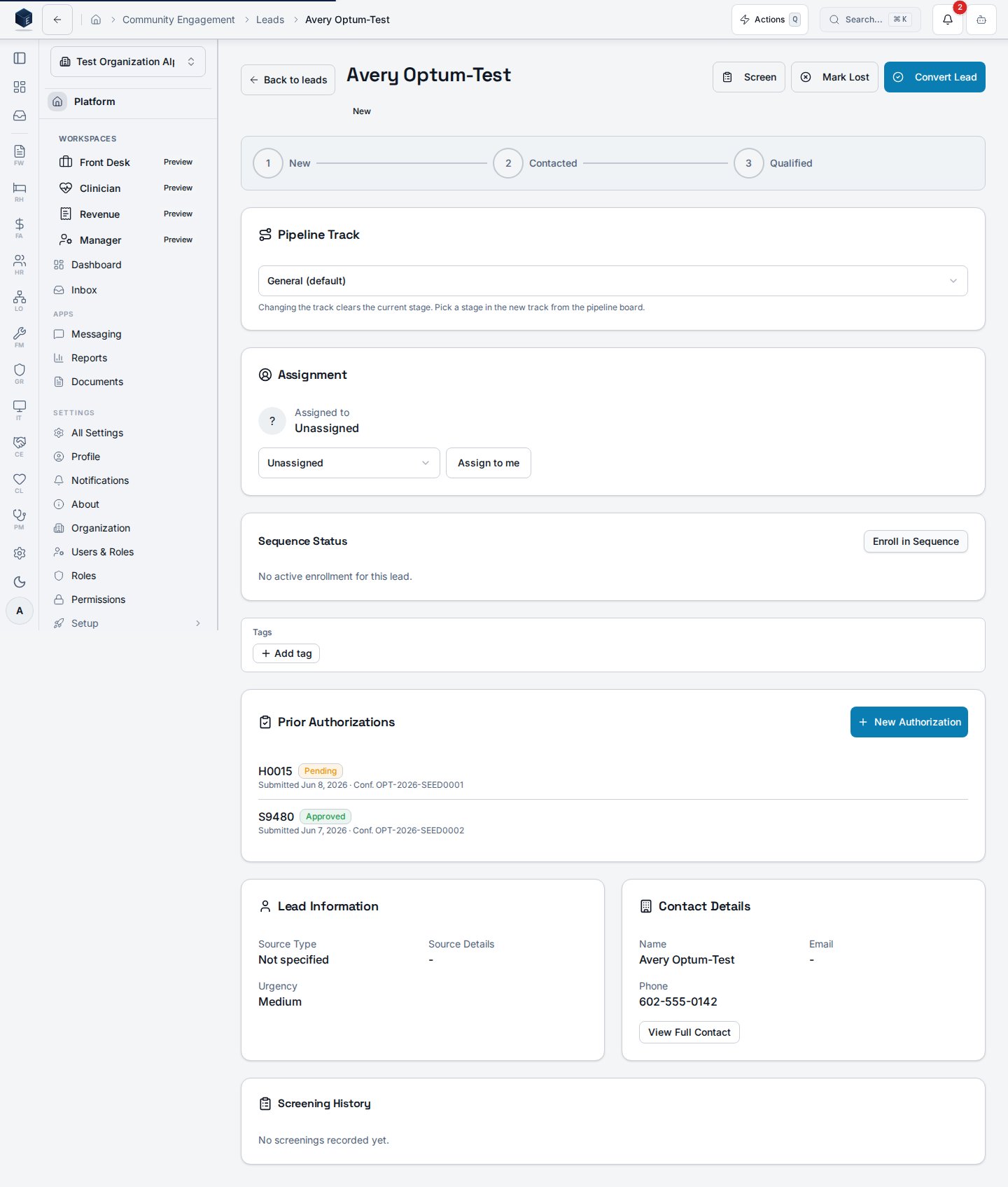
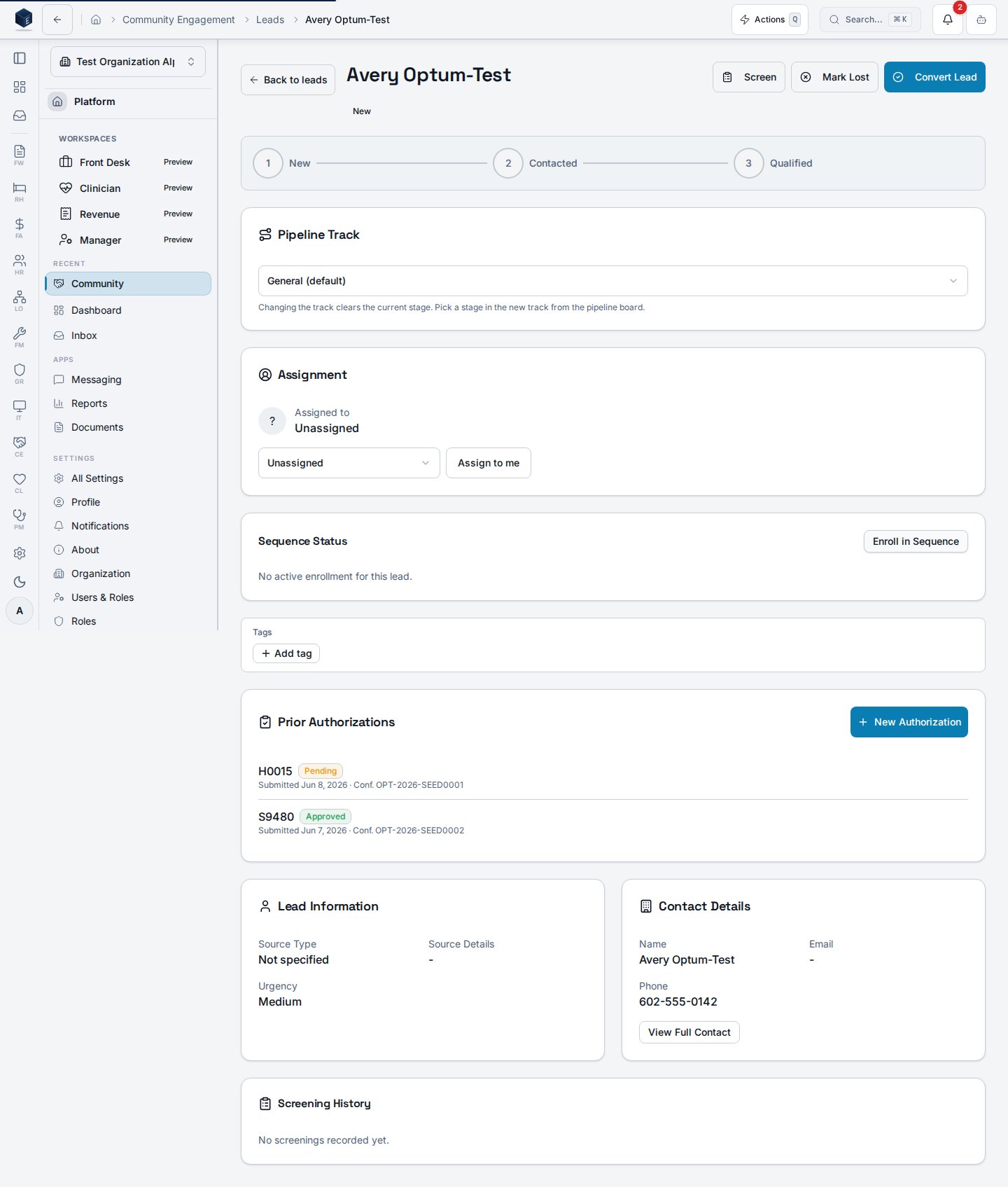
The **Prior Authorizations** panel on a lead's detail page lists every submission with its
billing code, status (Pending / Approved / Denied), submitted date, and Optum confirmation
number. Staff with `ce.prior_auth.submit` see **New Authorization** to start a request.
 ## The prior authorization wizard
**New Authorization** opens a four-step wizard (Submission & Patient, Provider, Services &
Clinical, Review & Submit) pre-filled from the lead's contact, insurance, and the org's IOP
defaults. Staff review and edit every field before submitting.
## The prior authorization wizard
**New Authorization** opens a four-step wizard (Submission & Patient, Provider, Services &
Clinical, Review & Submit) pre-filled from the lead's contact, insurance, and the org's IOP
defaults. Staff review and edit every field before submitting.
 When the wizard submits, a server-side job attempts the Optum portal submission and captures
the confirmation number. If automation is unavailable (portal outage, login failure, or
bot-detection), the request falls back to **guided manual mode**: the authorization is saved
as *Manual Pending* and staff can download a pre-filled summary and open the portal directly —
so an authorization is never missed because of a portal issue.
## Settings
Org admins configure the integration under **Settings → Integrations → UHC/Optum Prior
Authorization**: enable the feature, set IOP defaults, and store the One Healthcare ID
credentials (encrypted; never displayed again after saving). The feature is Arizona/AHCCCS
scoped and off by default.
When the wizard submits, a server-side job attempts the Optum portal submission and captures
the confirmation number. If automation is unavailable (portal outage, login failure, or
bot-detection), the request falls back to **guided manual mode**: the authorization is saved
as *Manual Pending* and staff can download a pre-filled summary and open the portal directly —
so an authorization is never missed because of a portal issue.
## Settings
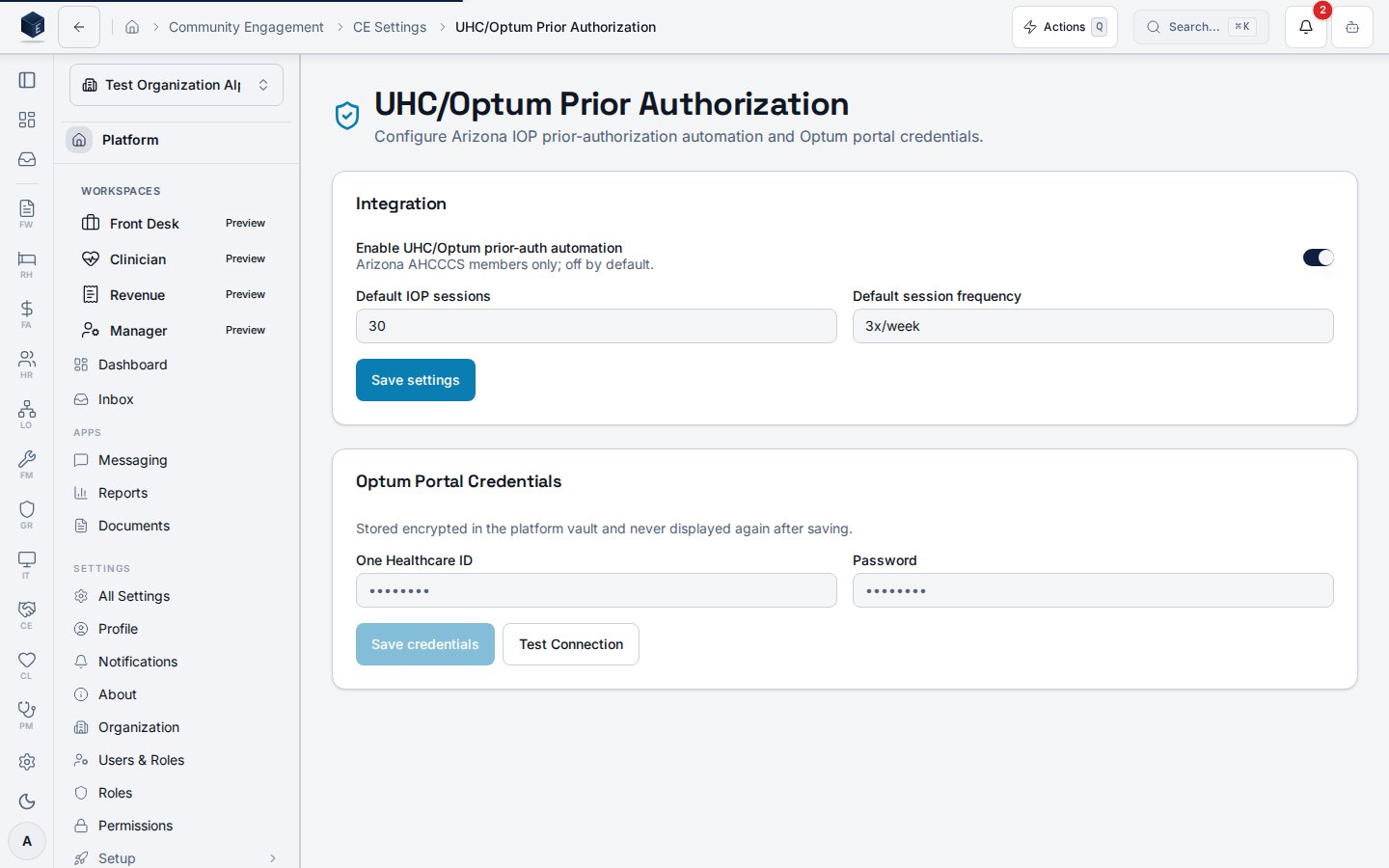
Org admins configure the integration under **Settings → Integrations → UHC/Optum Prior
Authorization**: enable the feature, set IOP defaults, and store the One Healthcare ID
credentials (encrypted; never displayed again after saving). The feature is Arizona/AHCCCS
scoped and off by default.
 ## Admission handoff
When a lead with an approved (or submitted) authorization is converted to a Practice
Management patient, the prior-authorization number, authorized dates, and billing code flow
to the patient record so billing can include them on claims without re-keying.
## Admission handoff
When a lead with an approved (or submitted) authorization is converted to a Practice
Management patient, the prior-authorization number, authorized dates, and billing code flow
to the patient record so billing can include them on claims without re-keying.